Roofing Operating System

Write the estimate
in the driveway.
Not at midnight.

Measure the roof from satellite, write the scope from a sentence, prove the storm from the National Weather Service, cite the building code, attach the photos your crew already took — and hand the homeowner something they can sign and pay. One workspace. No per-report fees.

$0per measurement report
NWSstorm data, cited by product ID
RCV / ACVdepreciation the carrier expects
1subscription, not four
Watch it

A roofing business, not a roofing app.

Ninety seconds on why a roof should enter as an address and stay one object — through the estimate, the material order, the proposal and the claim.

Scope AI

One prompt. A scope that defends itself.

Type what you need in plain English. xROOFx pulls the real facet areas off the measurement already on file, prices every line from your own material catalog and regional labor rates, applies depreciation the way a carrier does, and attaches the code sections the scope has to satisfy.

Insurance claim Homeowner proposal Supplement
Write the insurance scope for this home. Hail, full tear-off, code-required ice barrier and drip edge.
Chat with xROOFx to generate a scope a homeowner can review, sign and pay
Measurement45.9 SQ · 14 facets · 6/12
Scope lines22 across 4 sections
Replacement Cost Value$30,835.11
Less depreciation($3,116.07)
Actual Cash Value$27,719.04
Storm verificationCONFIRMED · 1.3 mi · 1" hail
Code citations attached4 sections
  1. 01

    Measure

    Satellite and building-footprint takeoff returns facet areas, pitch, ridge, hip, valley, eave and rake. Draw it by hand when the imagery is stale. No report to buy, no credit to burn.

  2. 02

    Scope

    The model decides which lines belong and at what quantity basis. It never sets the prices — those come from your catalog and labor table, so two people running the same job get the same number.

  3. 03

    Prove

    Storm verification searches the National Weather Service Local Storm Report database around the address and the date of loss. Every hail and wind report comes back with distance, size, who reported it and the NWS product ID.

  4. 04

    Defend

    The jurisdiction's code sections ride along with the scope — tear-off to deck, ice barrier at 24 inches inside the wall line, drip edge at eaves and rakes, ventilation ratio. Printed in the package, not argued over the phone.

  5. 05

    Deliver

    Photos, scope, recap, storm record and code sections assemble into one document. Send the share link, or print it to PDF from any browser. No document subscription in the middle.

Claim Studio

The column set an adjuster actually reads.

Retail estimating software gives you a total. A carrier wants the line broken apart. Claim Studio carries quantity, unit price, sales tax, Replacement Cost Value, depreciation and Actual Cash Value on every line, grouped into the sections a desk adjuster expects.

  • Carrier, claim number, policy number, adjuster and date of loss on the cover
  • Materials depreciated on age against a 25-year life, capped and disclosed — labor depreciation stays opt-in because it is a per-state posture, not a default
  • Recap that ends where the conversation ends: ACV less deductible, and recoverable depreciation released on completion
  • Supplement lines flagged and totalled separately so a second submission is one click, not a rebuild
  • Versioned. Every regeneration keeps the prior package intact
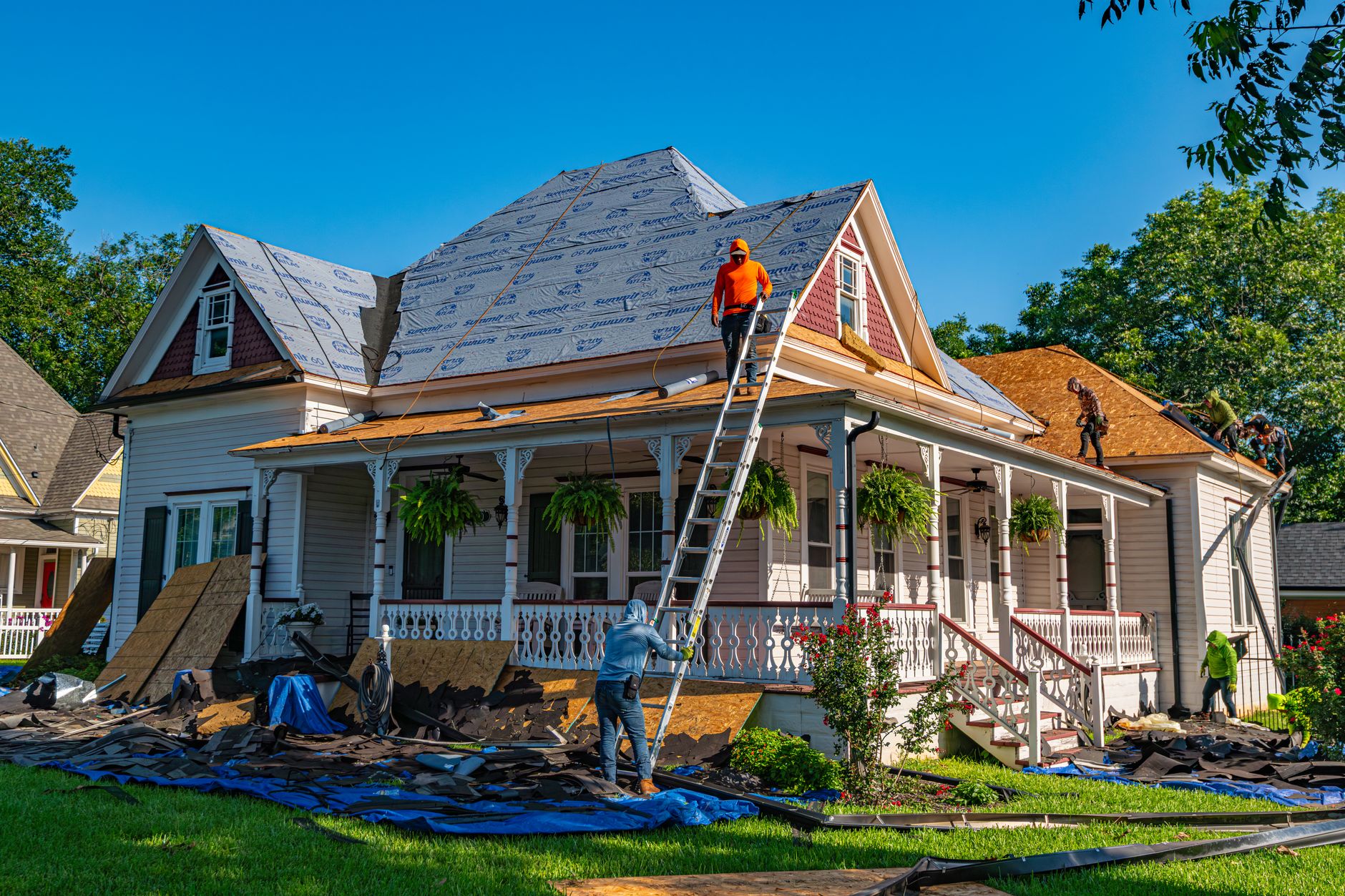
Roofing professional installing architectural shingles over synthetic underlayment
Storm Intelligence

“Prove it was the storm.”
Fine.

Storm verification is the exhibit, not the sales pitch. Give it an address and a date of loss and it searches the National Weather Service Local Storm Report database and the NWS warning archive inside your radius.

You get a verdict — confirmed, probable or no event — with every documented hail and wind report: how far it was, how big it was, who called it in, and the NWS product identifier the adjuster can pull up on their own screen.

  • A warning polygon alone reads “probable”, never “confirmed” — a warning is a forecast, not an observation, and we score it the way an adjuster does
  • Storm Scout runs the same feeds forward: new hail swath, matched against the properties already in your pipeline
  • Public federal data. No weather subscription, no per-lookup fee
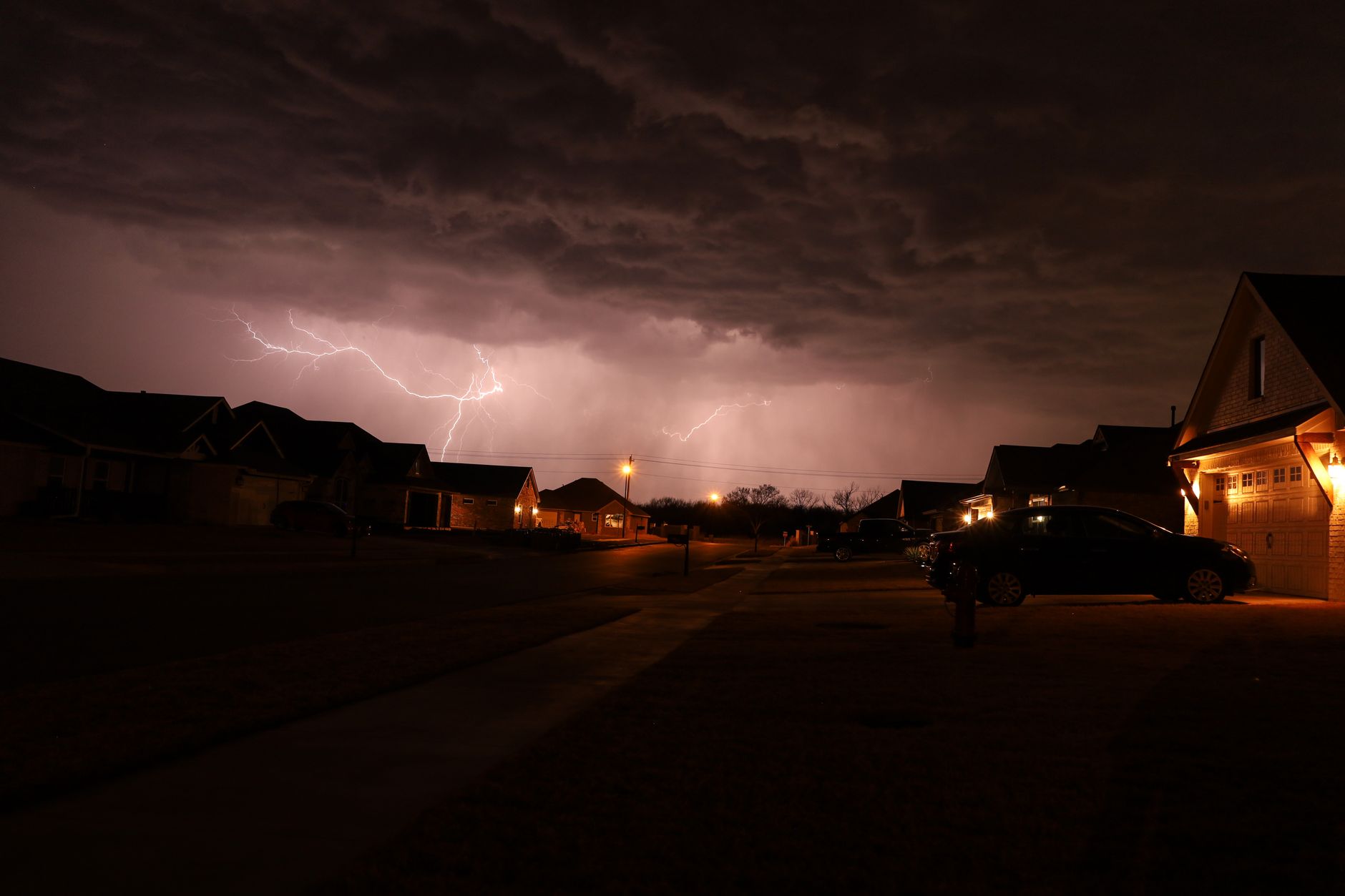
Severe thunderstorm with lightning over a residential neighborhood
Modules

Every module a roofing operator needs. Wired to each other.

Not an app that integrates with three other apps. One data spine — the property — that every module reads and writes.

Takeoff

Satellite Takeoff

Facet areas, pitch, ridge, hip, valley, eave and rake from free public imagery and building footprints. Manual polygon draw when the imagery is stale. Unlimited.

Scope AI

Scope Writer

Plain-English prompt to a full line-item scope. Quantities derive from the measurement, prices from your catalog. Homeowner proposal, insurance claim or supplement.

Claims

Claim Studio

RCV, sales tax, depreciation and ACV per line. Carrier, adjuster and claim data on the cover. Supplements flagged and totalled. Versioned packages.

Weather

Storm Verification

NWS Local Storm Reports and warning archive matched to the address and date of loss. Cited by NWS product ID.

Codes

Code Library

Jurisdiction building-code sections attached to the scope: tear-off, ice barrier, drip edge, fastening, slope and ventilation. Model code plus state amendments.

Field

Field Capture

Photograph the roof from your phone. Geotagged, timestamped, tagged by damage type and component, sorted into albums by property. They land straight into the damage exhibit pages.

CRM

Pipeline

Twelve roofing stages from new lead to warranty. Every property, measurement, estimate, photo album and claim hangs off the deal, not off someone's inbox.

Leads

Storm Scout

New hail and wind events matched against the properties and territories you work. Leads created automatically, deduped against what is already in your pipeline.

Catalog

Material Catalog

Manufacturer, product line, coverage, waste factor, wind and impact rating, warranty and unit cost. Seeded from public spec sheets, overridden with your own supplier pricing.

Sales

Homeowner Presentation

An interactive proposal on a share link — scope, photos, options, financing. Homeowners review, sign and pay in the same document.

Bids

Bid Requests

Send a scope out to subs and suppliers, take the responses back into one comparison, award and convert to a project. Run through xBUILDERx on the same platform.

Delivery

Projects & Tasks

Awarded work becomes a project with an ERP view, tasks, an owner-facing view and its own document set. Team directory and role assignments carry across every module.

Operations

Bids, people and projects live in the same place as the estimate.

The reason the roofing back office is expensive is that the estimate, the crew, the material order and the invoice each live in a different tool that bills you separately. On xROOFx they are views of one record.

  • Bids — publish a scope as a bid request, collect responses from subs and suppliers, compare them side by side and award without re-keying anything
  • Projects — the awarded job opens with an ERP view, a pricing view and an owner-facing view your customer can actually look at
  • Tasks — work assigned to real people with due dates, tied to the property, not to a group chat
  • Team — one directory, one set of roles and permissions across roofing, bids, projects and billing
  • Deposits — the homeowner signs the proposal and pays the deposit inside the same document, against the scope they just read
Bright office workspace
Field Capture

Your crew's photos are evidence. Treat them like it.

Every photo carries its coordinates, its timestamp, the component it shows and the damage type. They organize themselves by property and album, and they flow into the damage exhibit pages of the claim package with a component caption already written.

  • Shoot from a phone in the field, no separate photo subscription
  • Albums per property: inspection, before, daily progress, after, warranty
  • Share an album with a homeowner or an adjuster on a link
  • Damage tags — hail, wind, granule loss, flashing failure, missing shingles, ice damming — become the exhibit captions
Roofing crew performing a tear-off on a residential home
Pricing

One subscription. No per-report fee.

Roofing software is usually four bills: a measurement service, a CRM, a photo app and an estimating tool. xROOFx is one. Cancel any month.

Field

$49/mo
3 users included · $9 per extra user
  • Field Capture — unlimited photos
  • Albums, damage tags, geotags
  • Pipeline CRM, 12 roofing stages
  • Properties and contacts
  • Share links for homeowners
Start free

Contractor

$149/mo
10 users included · $9 per extra user
  • Everything in Field, plus
  • Unlimited satellite takeoffs
  • Scope AI — homeowner proposals
  • Material catalog and labor rates
  • Interactive presentations
  • e-Sign and pay in the proposal
  • Bid requests, projects and tasks
Start free

Claims

$299/mo
Unlimited users
  • Everything in Contractor, plus
  • Claim Studio — RCV, tax, depreciation, ACV
  • NWS storm verification, unlimited
  • Building-code citation library
  • Damage exhibit pages from field photos
  • Supplements and versioned packages
  • Storm Scout lead generation
Start free

Enterprise

Custom
Multi-branch · multi-brand
  • Everything in Claims, plus
  • Multiple branches under one roof
  • Your own domain and branding
  • Custom catalog and price books per market
  • API access and data export
  • Named onboarding
Talk to us
What a roofing contractor usually paysTypical published price
Measurement platform subscription$249 – $349 / mo
Measurement reports, per roof$13 – $19 each
Roofing CRM$225 – $550 / mo + $25 – $75 per user
Job-photo app$63 – $199 / mo
All-in-one roofing suite$499 – $799 / mo
xROOFx Claims — the whole chain$299 / mo, unlimited users, $0 per report
Competitor figures are the vendors' own published or widely reported 2026 pricing, gathered September 2026, and change without notice. Compare against your current invoices, not against us.
The X Standard
Cross·
Connect·
Protect·

Every xVERTICALx on this network — xROOFx, xBUILDERx, and the ones still on the runway — is a face wrapped around the same engine. The leading and trailing x are platform brackets: Cross-Connect Protocol in, Cross-Connect Protocol out.

Cross — bridge any vertical to any resource. Connect — one identity, one ledger, one settlement rail. Protect — quantum-secure crypto and verified identity from edge to core. Powered by Biz Dev App.

Get started

Stop paying four companies to describe one roof.

Bring a property in, run the takeoff, write the scope, prove the storm. If it does not save you the price of the subscription on the first claim, cancel it.